Toolbar Position
Test different toolbar positions by clicking the buttons below:
Visual Features
Dark Mode
Inverts colors for reduced eye strain in low-light conditions.
High Contrast
Increases color contrast between text and background.
Monochrome
Converts all colors to grayscale for colorblind users.
Text & Reading Features
Page Zoom
Increase or decrease text size from 100% to 200%.
Dyslexic Font
Switches to OpenDyslexic font for better readability.
Line Height
Adjusts spacing between lines of text.
Interaction Features
Big Cursor
Enlarges the cursor for better visibility.
Reduce Motion
Reduces or removes animations for users sensitive to motion.
Hide Images
Removes decorative images for faster loading and focus.
Sample Content for Testing
Understanding Web Accessibility
Web accessibility means that websites, tools, and technologies are designed and developed so that people with disabilities can use them.
More specifically, people can:
- Perceive, understand, navigate, and interact with the Web
- Contribute to the Web
- Have equal access and opportunity to information
Why Accessibility Matters
Accessibility is essential for developers and organizations that want to create high-quality websites and web tools, and not exclude people from using their products and services.
Image Gallery Test Area
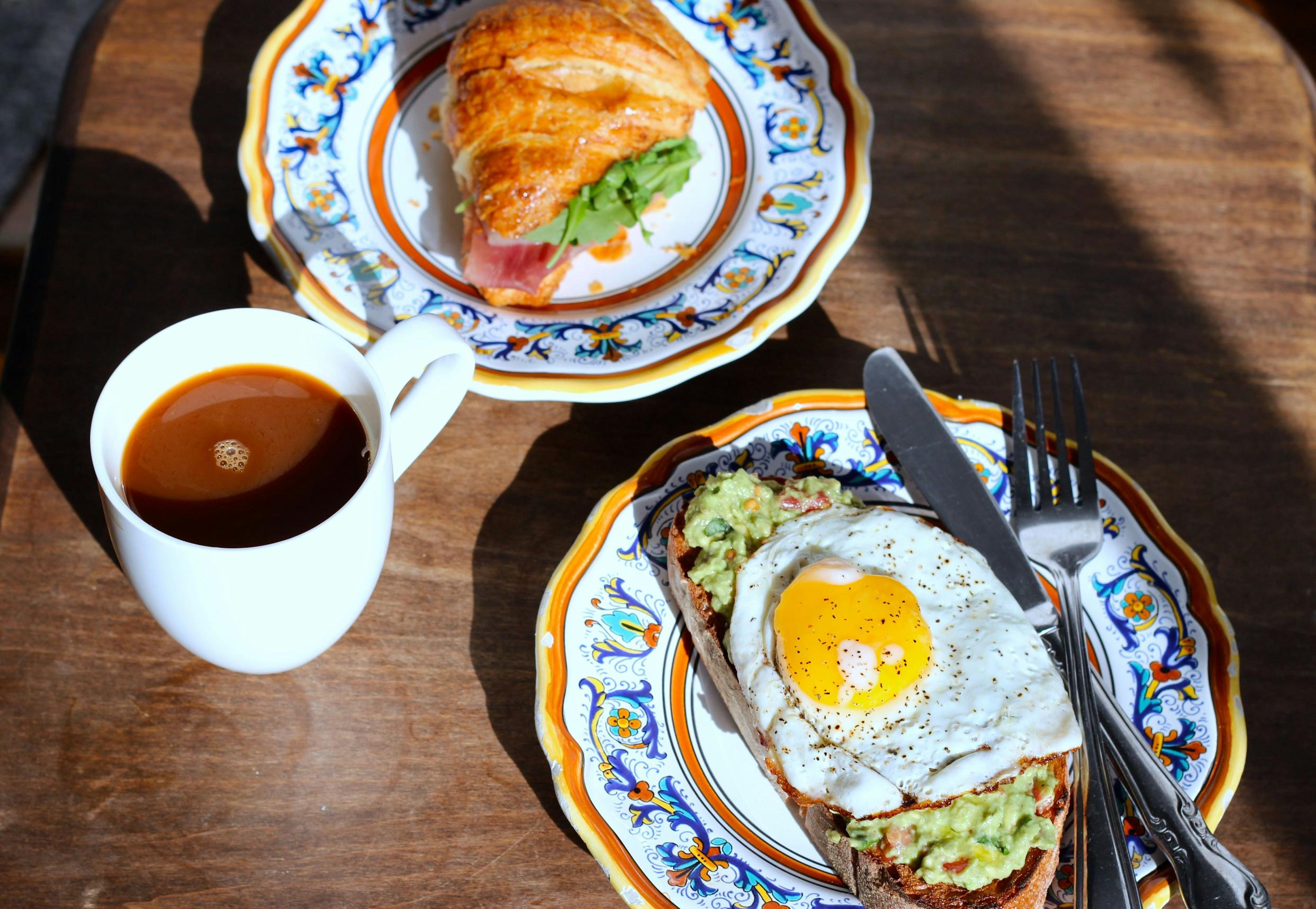
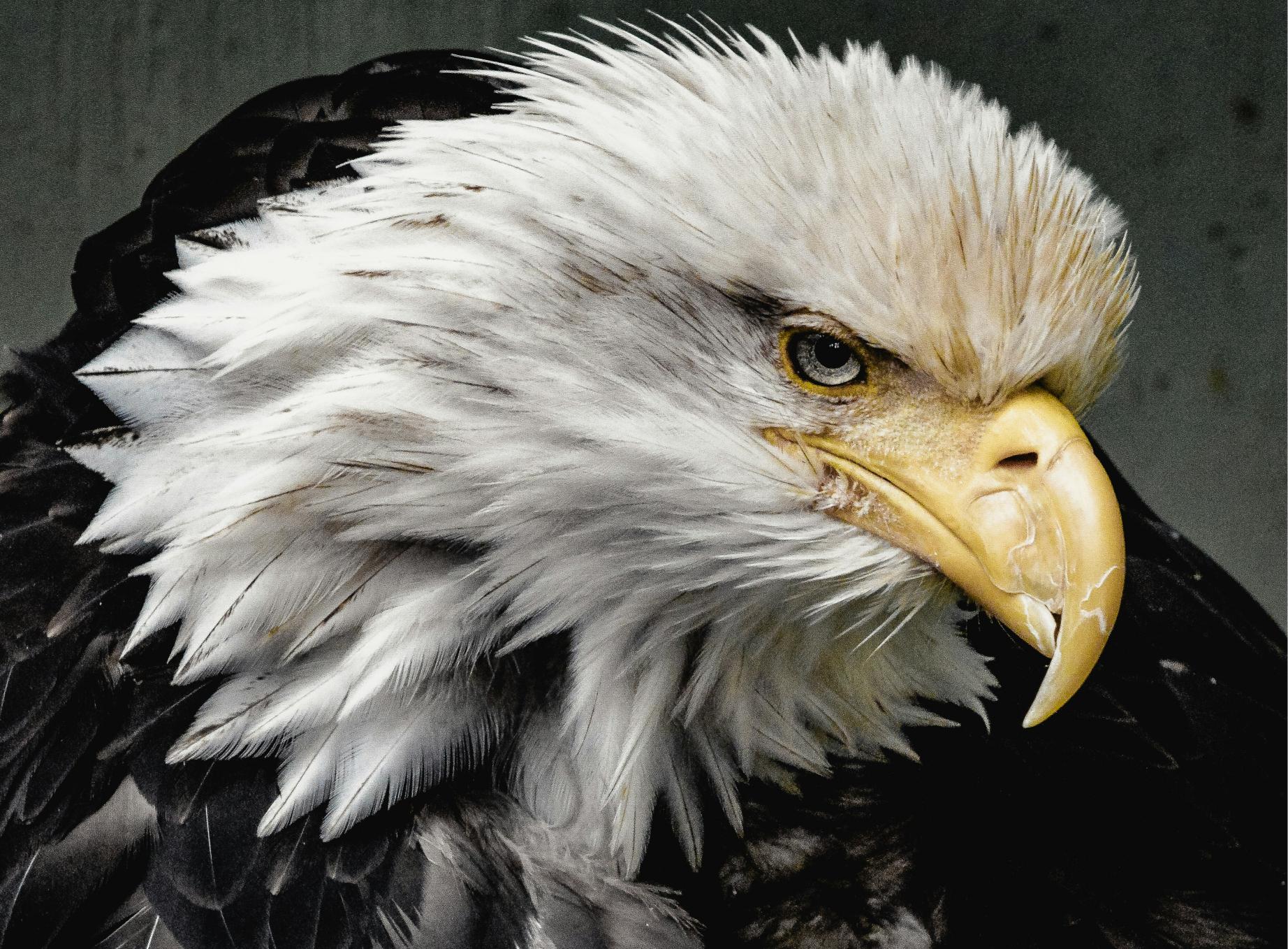
This section contains images that can be hidden using the "Hide Images" feature. Test it by clicking the image icon in the toolbar.








Motion & Animation Test
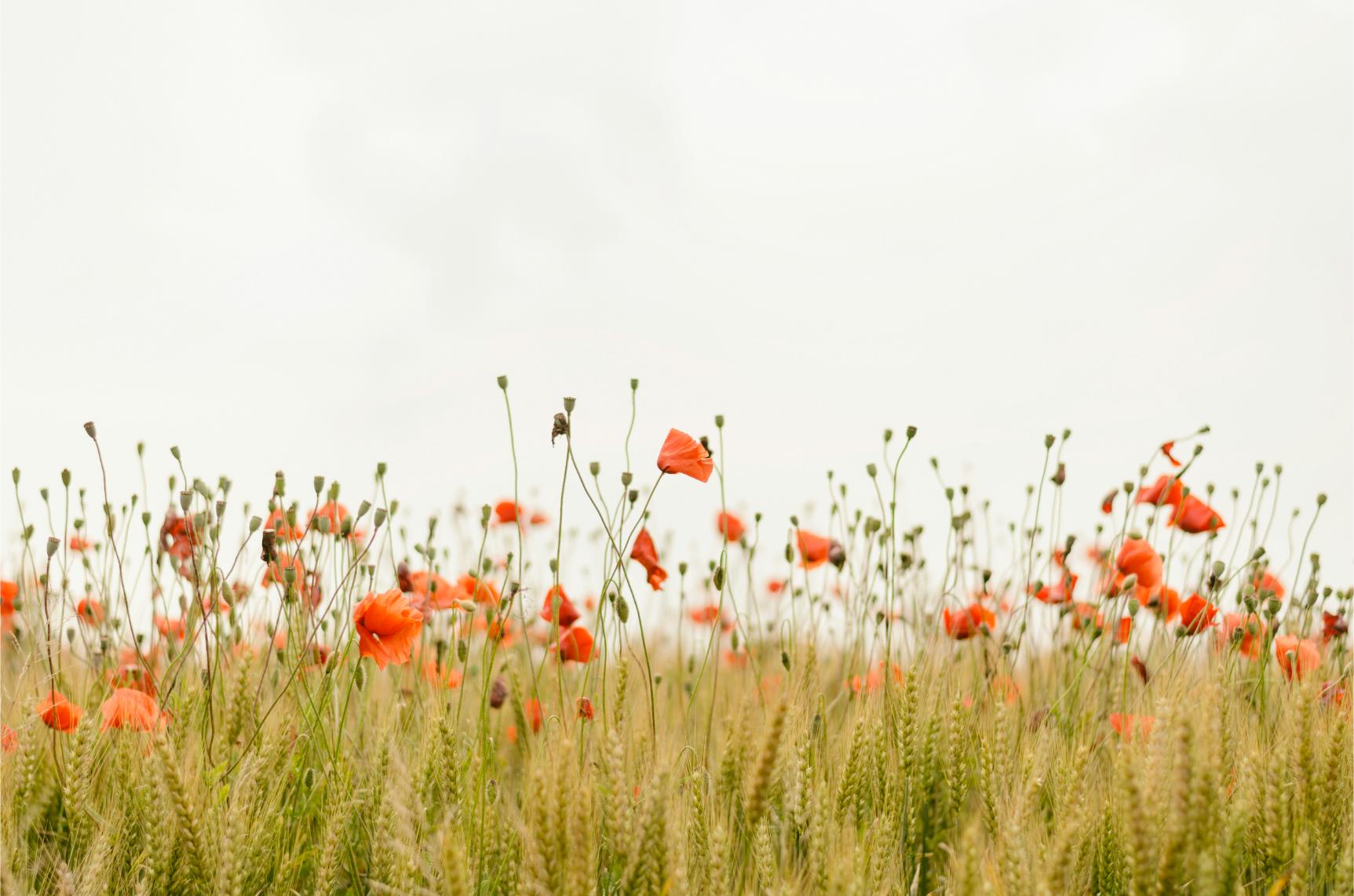
This carousel demonstrates animations. Enable "Reduce Motion" in the toolbar to see the difference.

First Slide
This carousel automatically rotates every 3 seconds.
Second Slide
Test "Reduce Motion" to stop auto-rotation.

Third Slide
Notice how motion affects user experience.
Voice & Speech Features
Voice Selection
Choose from different voices for text-to-speech functionality.
Speak Hover
Reads text aloud when hovering over elements.
Testing Instructions
How to Test All Features
- Look for the accessibility icon (usually in bottom-right corner)
- Click the icon to open the toolbar
- Try each feature by clicking its icon
- Test combinations of features (e.g., Dark Mode + High Contrast)
- Use the API buttons above to test programmatic control
- Try different toolbar positions using position buttons above
- Check how features affect different content types on this page
Pro Tips
- Test each feature individually first, then try combinations
- Pay attention to how features interact with different content types
- Try the toolbar on different screen sizes (resize your browser)
- Check browser console (F12) for debugging information if needed